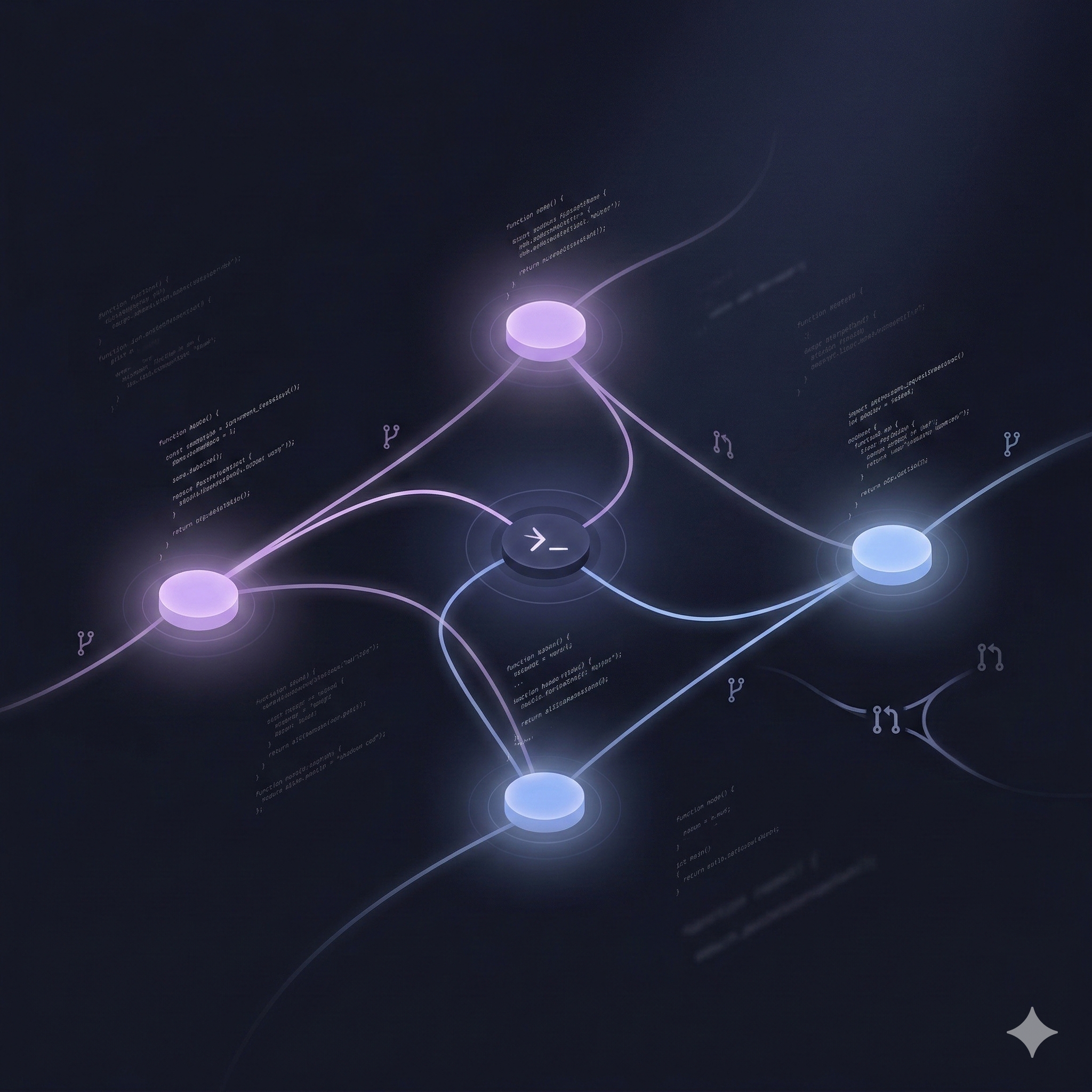
The command center for
AI-powered development
Orchestrate multiple AI coding sessions across repositories. Spatial canvas, real-time streaming, Git integration, and parallel development — all in one workbench.
Early access preview — limited spots available. macOS only for now.
Features
Everything you need to ship faster
A complete development workbench designed for teams that leverage AI to build at unprecedented speed.
Spatial Canvas
Visualize all your AI sessions on an interactive canvas. Drag, arrange, and connect sessions to map your development workflow spatially.
Multi-Session Orchestration
Run parallel AI coding sessions across different repositories. Powered by git worktrees, each session gets its own isolated branch and environment.
Real-Time Streaming
Watch AI write code in real-time. Every keystroke, every decision, streamed live to your workbench with full conversation context.
Git & GitHub Integration
Automatic worktree management, branch creation, PR tracking, and CI status — all synced in real-time across every session.
Service Management
Launch, monitor, and manage development services per session. Port allocation, process tracking, and log streaming built-in.
Smart Context & Guardrails
Set safety constraints, manage context windows, and compact conversations automatically. Full control over AI behavior per session.
How It Works
From zero to shipping in minutes
Three steps to transform how your team builds software with AI.
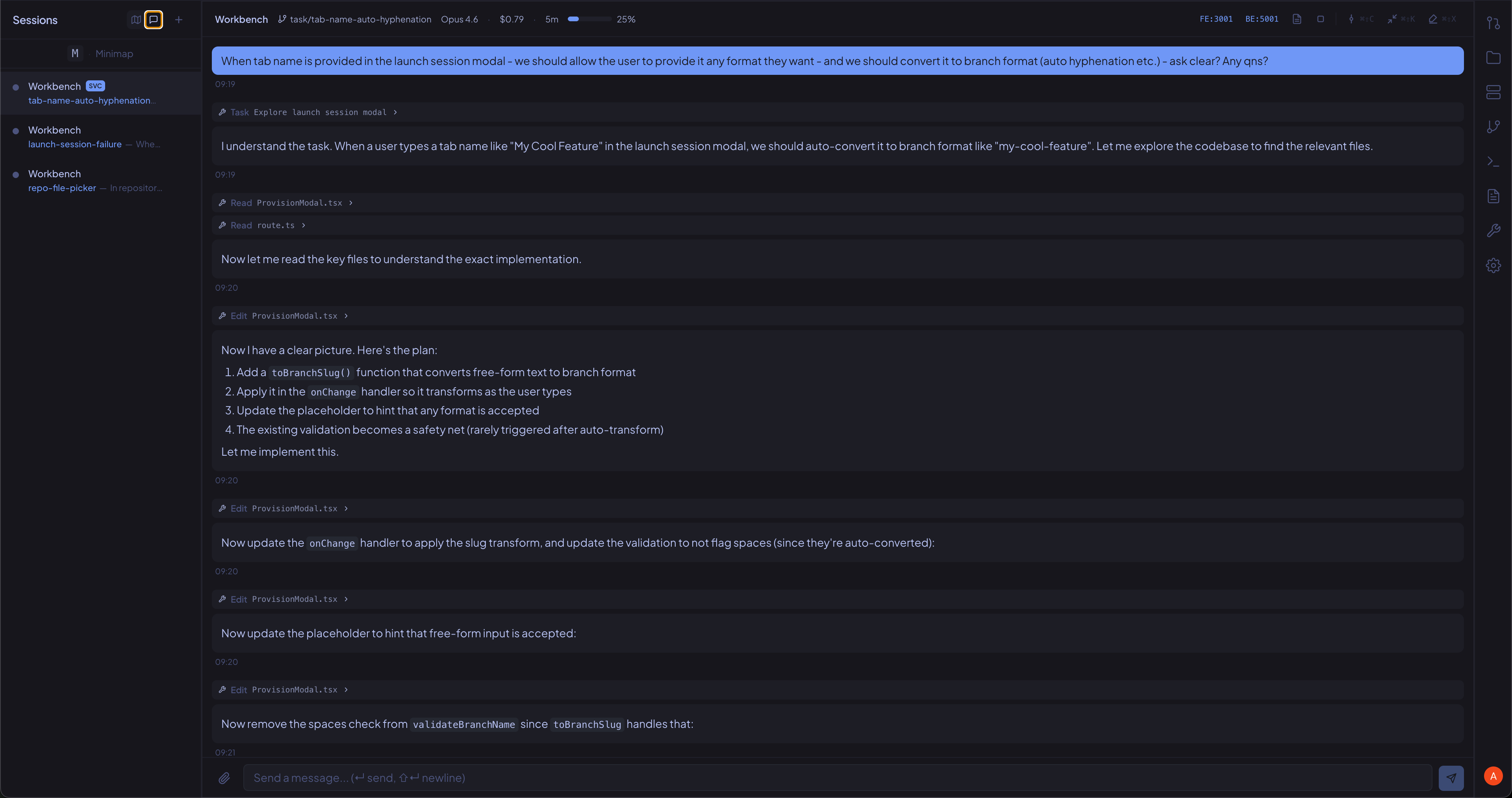
Chat with your codebase
Spin up an AI coding session on any repo. Describe what you want — the AI reads, edits, and tests code in real-time while you watch every tool call streamed to your workbench.
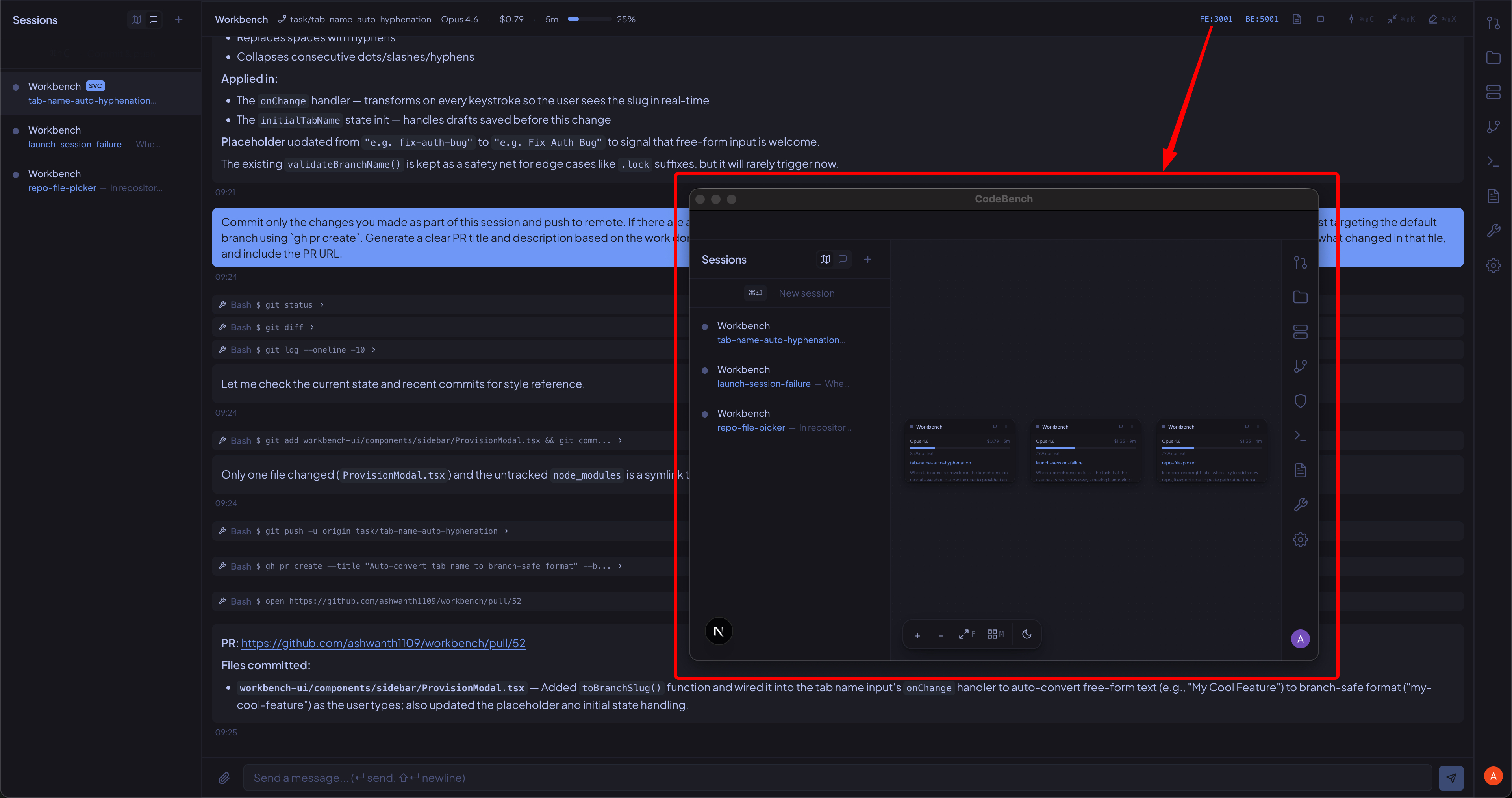
Launch & test your services
Start your frontend and backend services directly from CodeBench to test AI-generated changes live. See your app running alongside the coding session — no terminal juggling required.
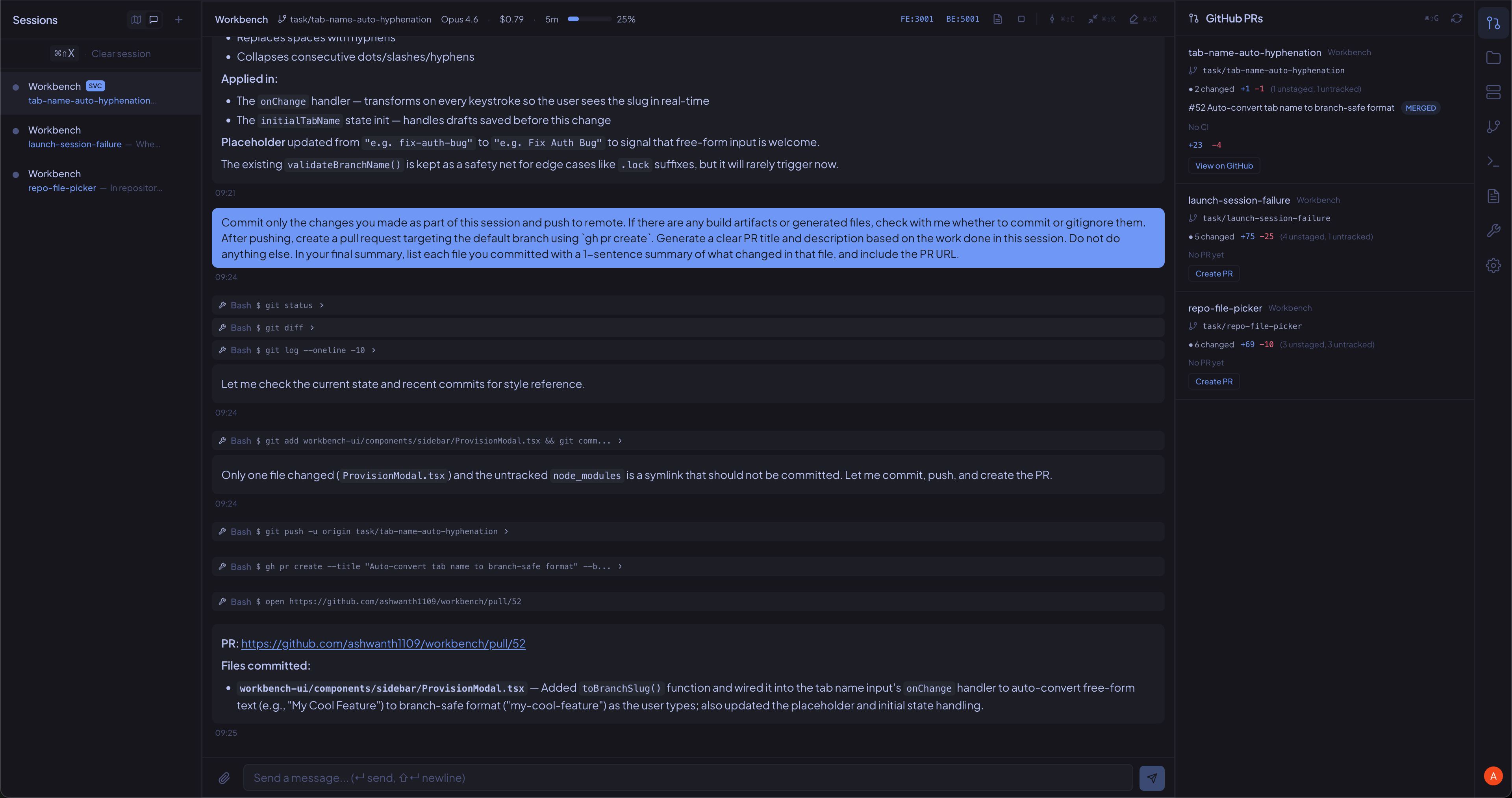
Orchestrate & ship
Monitor progress on the spatial canvas. Review AI-generated code in real-time, create PRs with one click, and track CI status — all from one unified interface.
The Experience
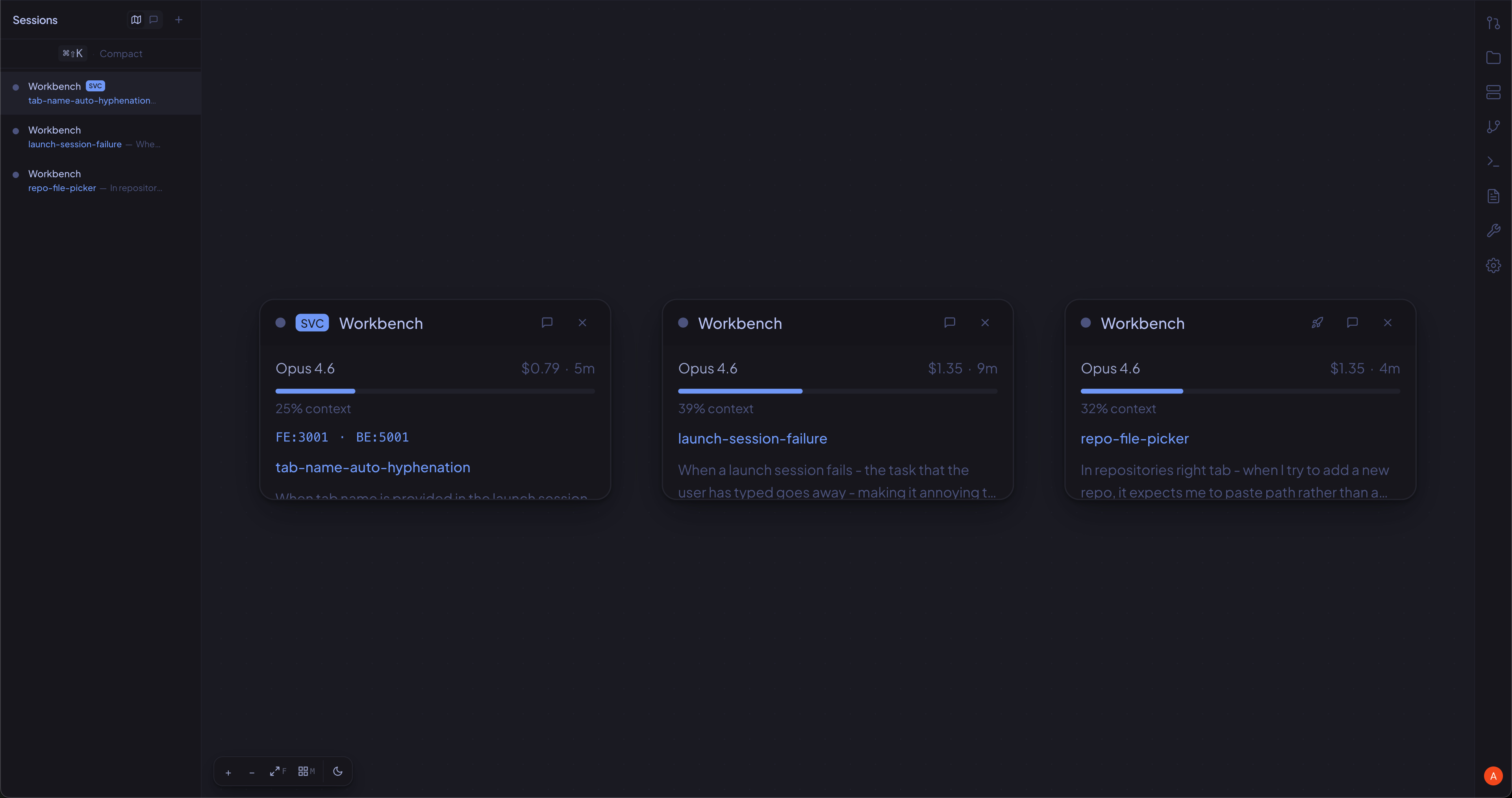
Your spatial command center
See every session at a glance on the spatial canvas. Monitor progress, costs, and context usage across all your parallel coding sessions.
Ready to 10x your
development velocity?
Sign up for early access and be among the first to orchestrate AI-powered development sessions across your repositories.
Early access preview — limited spots available. macOS only for now.